
Description
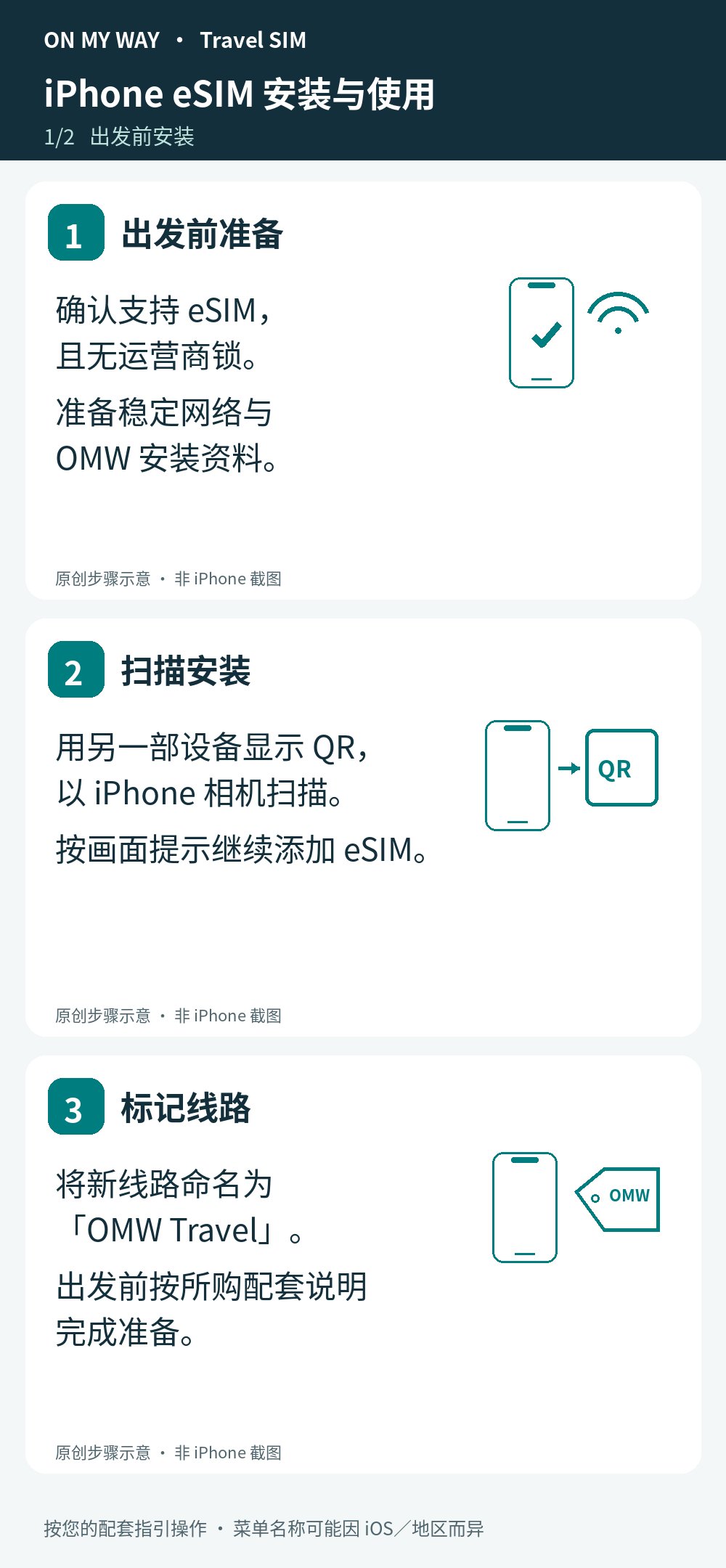
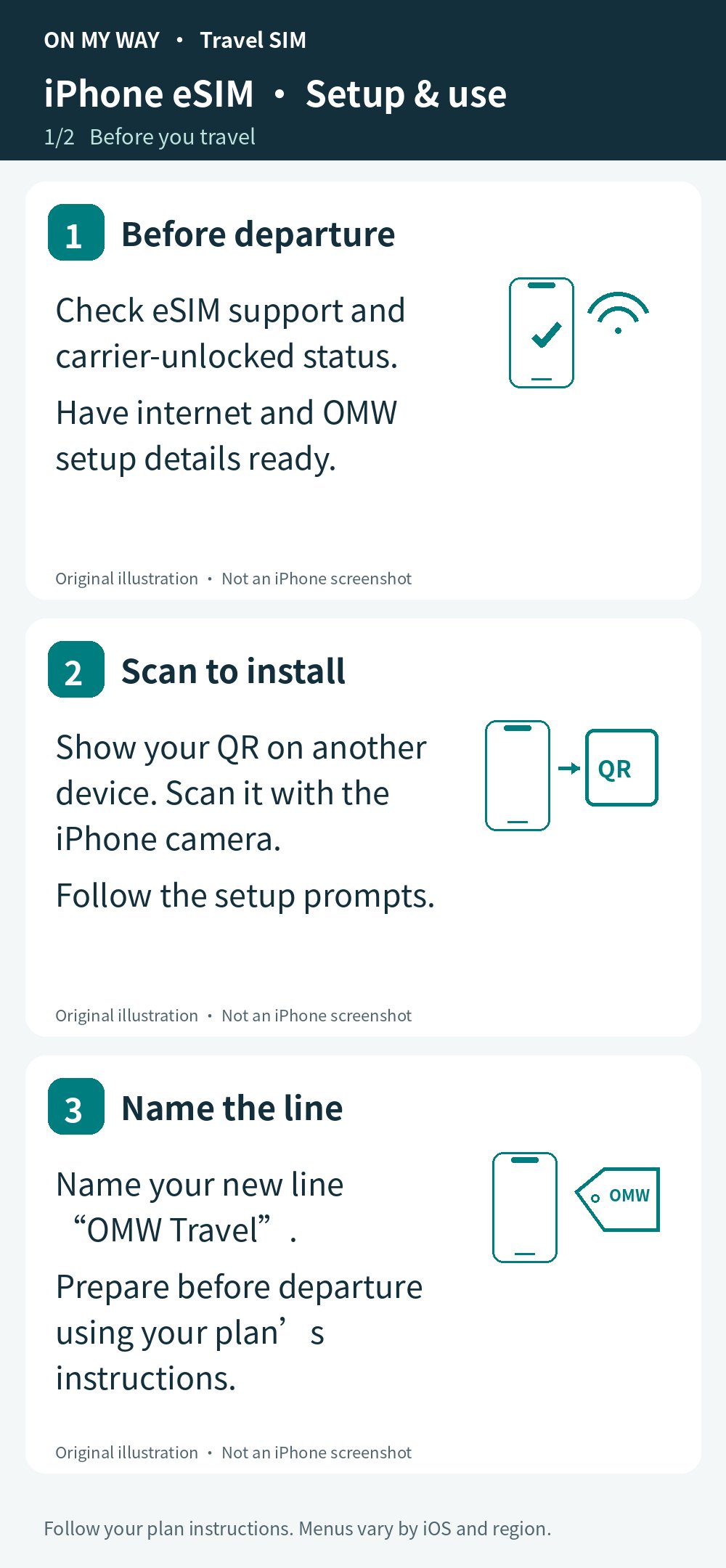
Use a stable internet connection and follow your plan’s installation timing. Your iPhone must support eSIM and be carrier-unlocked. These are redrawn interface illustrations, not screenshots; menus and line names may differ.
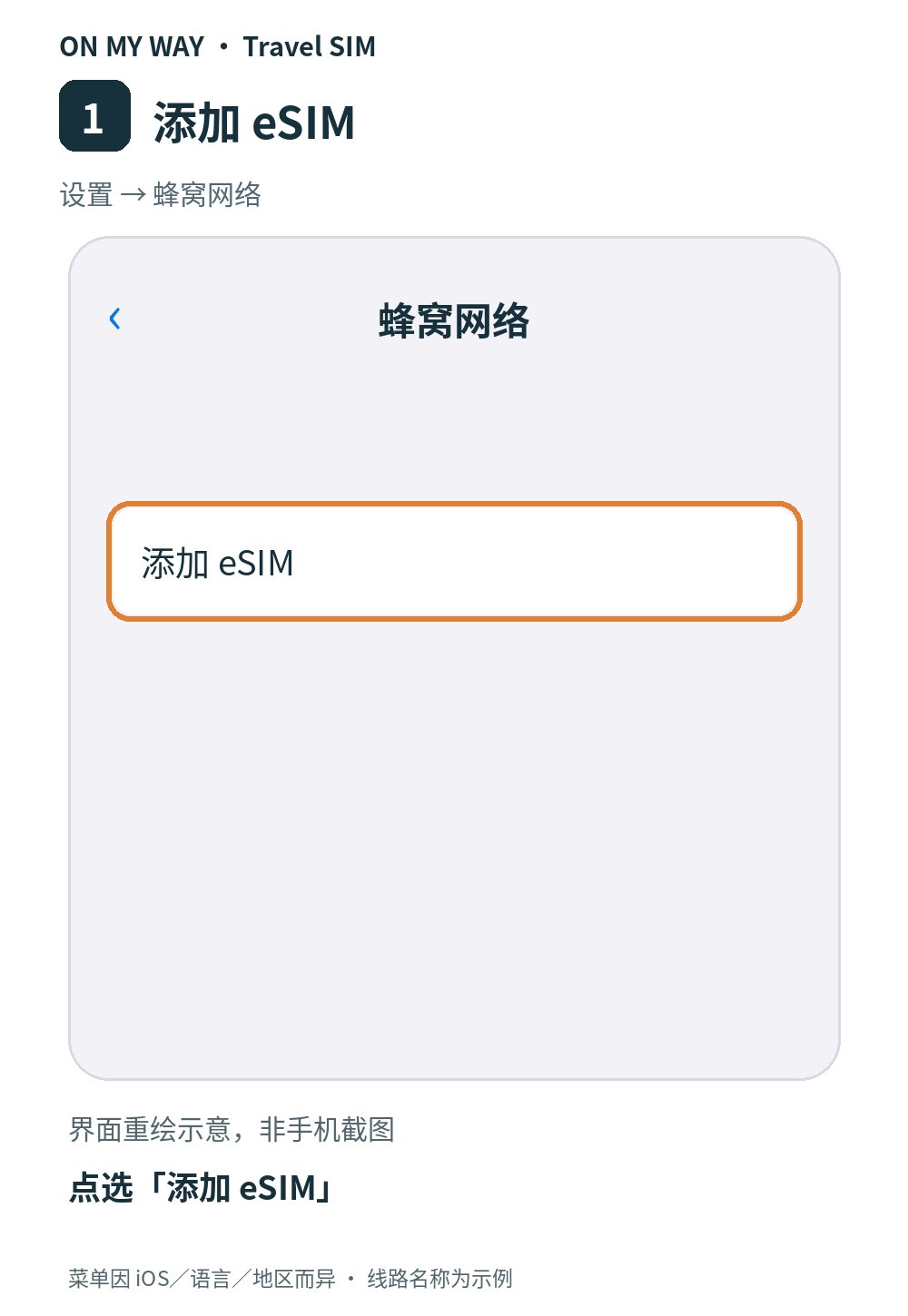
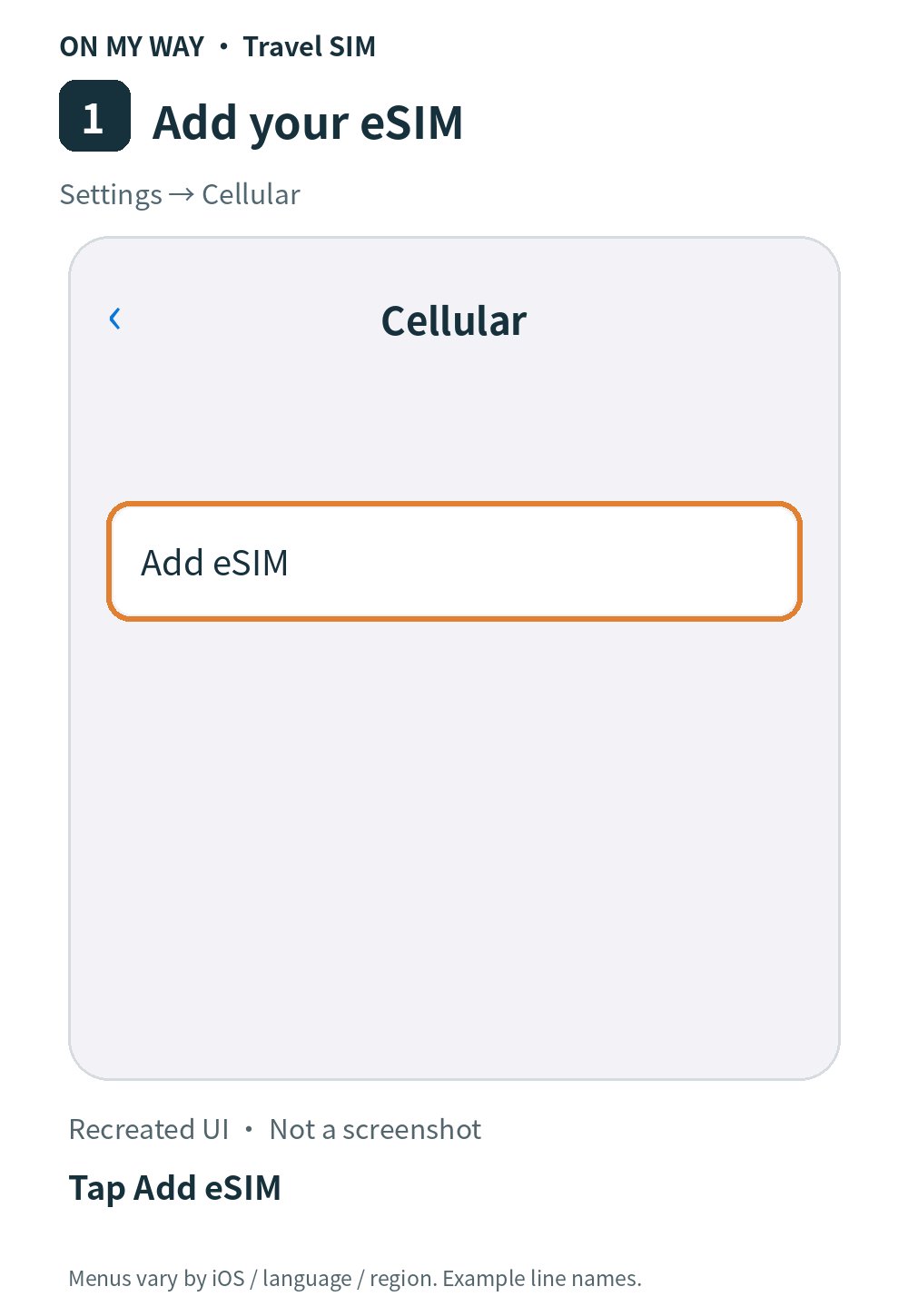
1. Add an eSIM

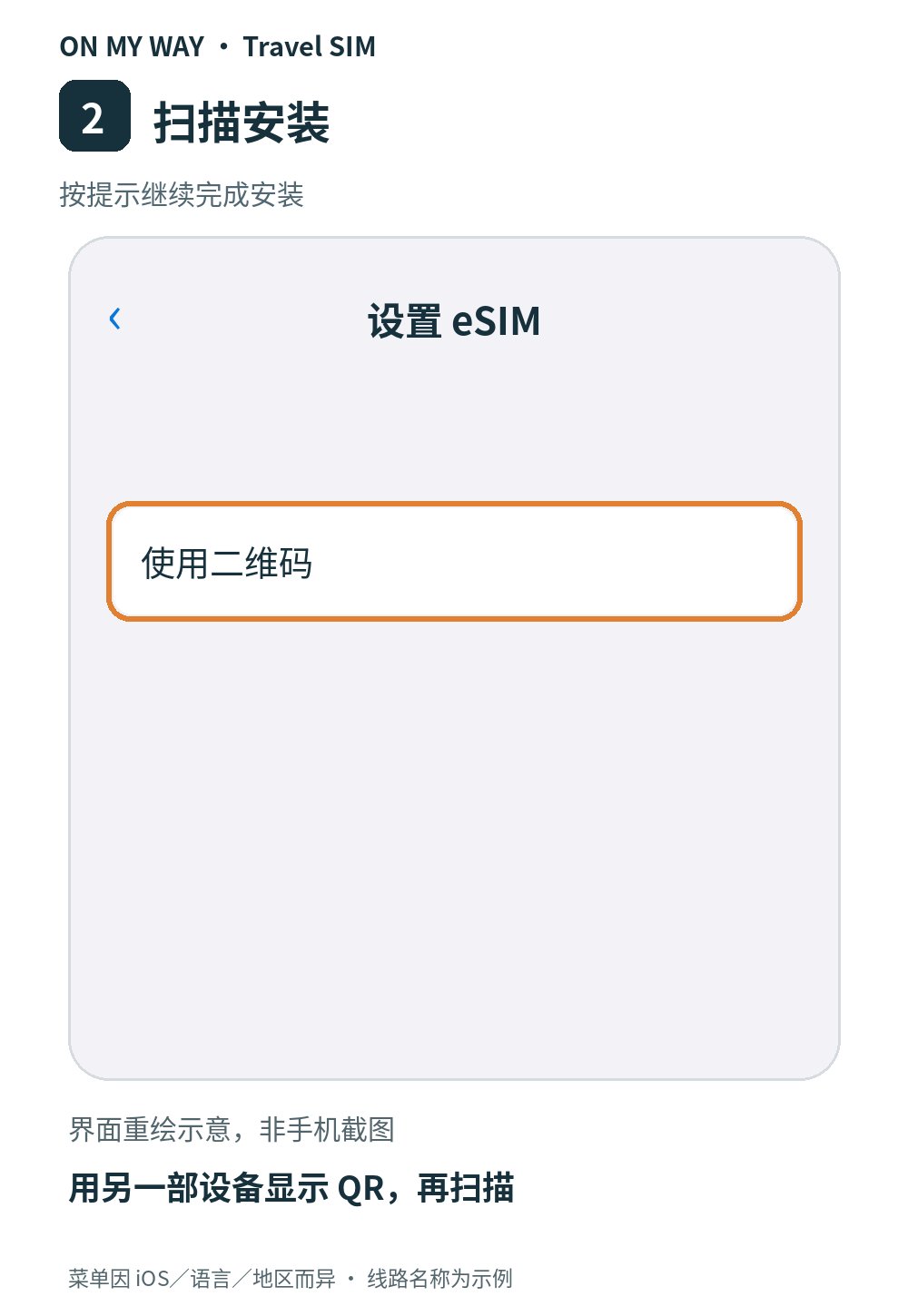
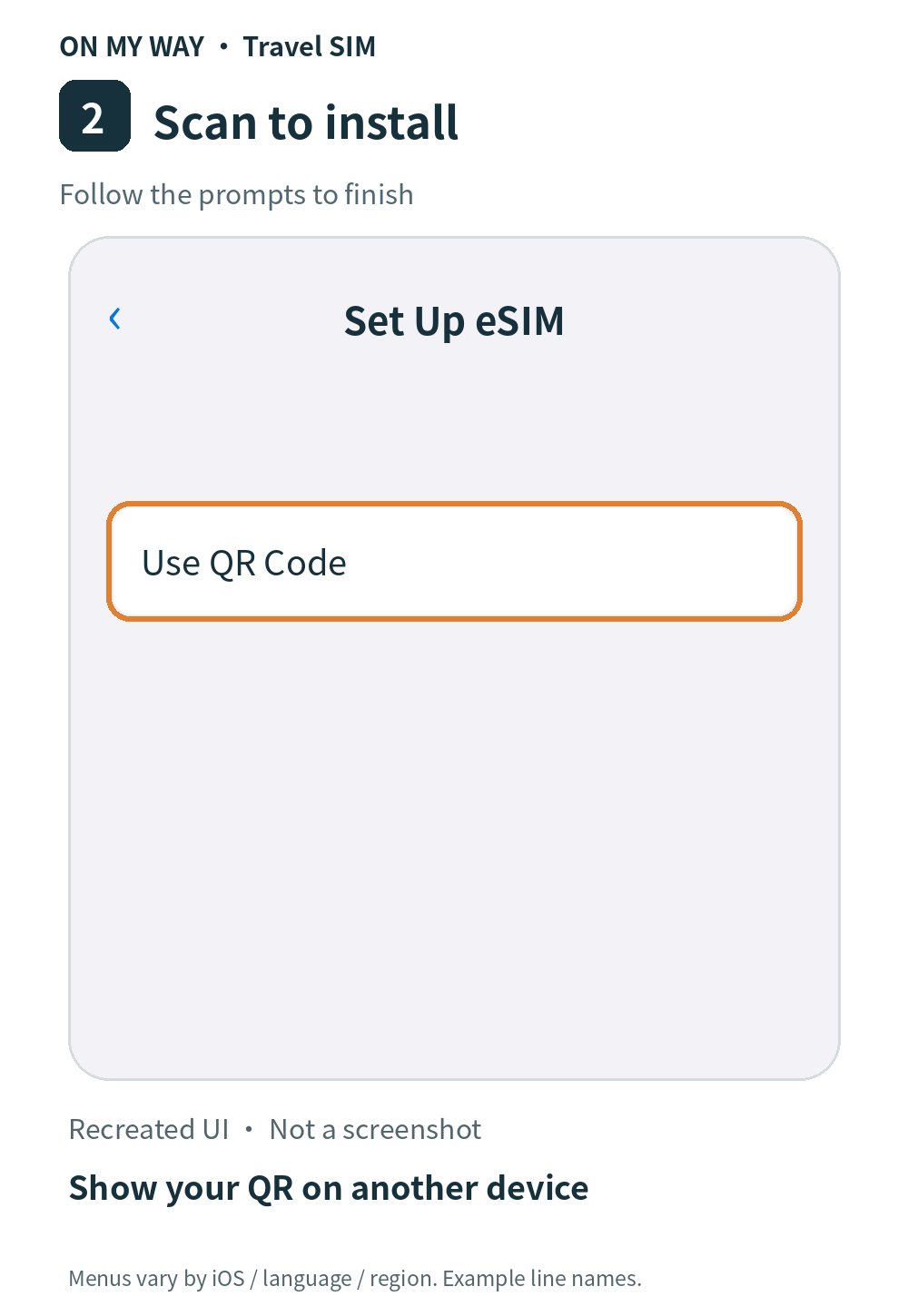
2. Scan your installation QR

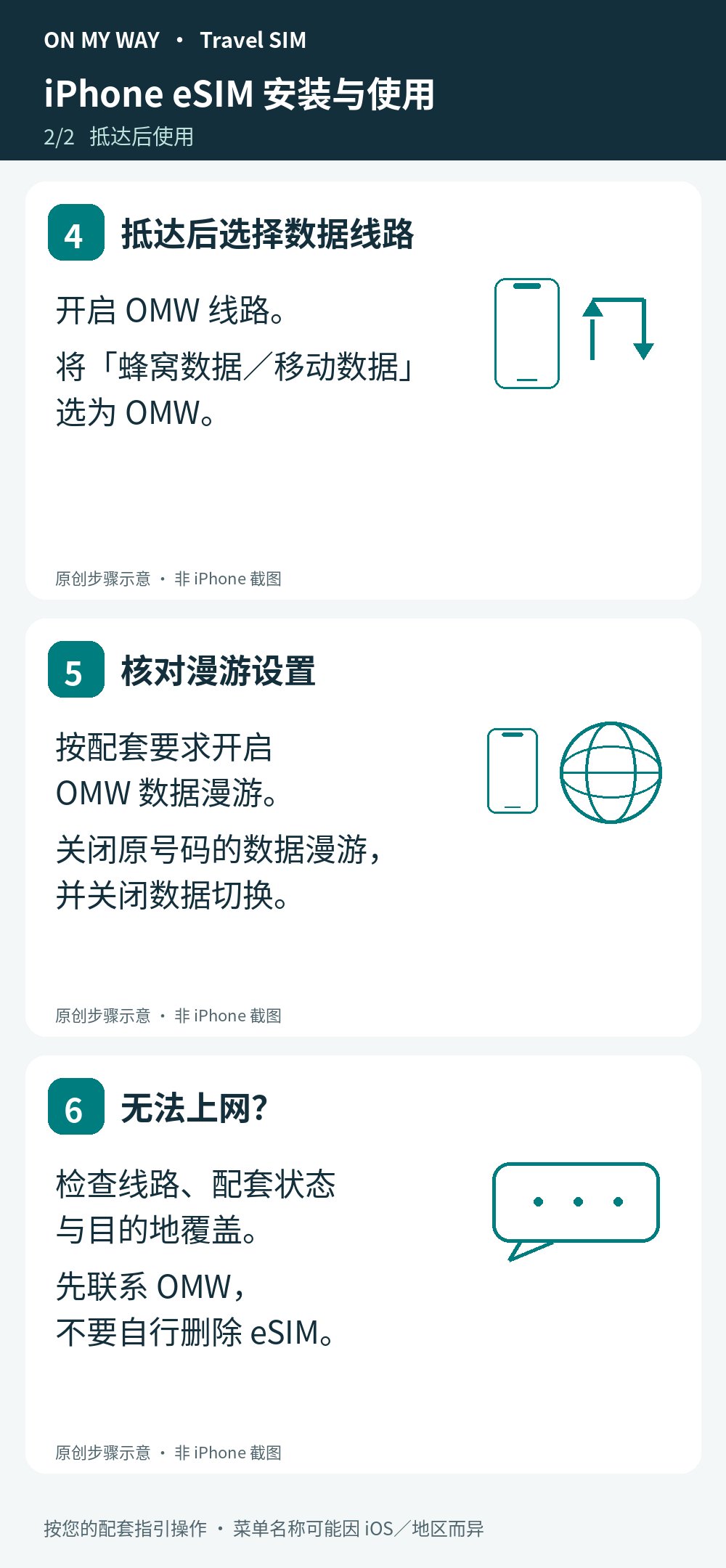
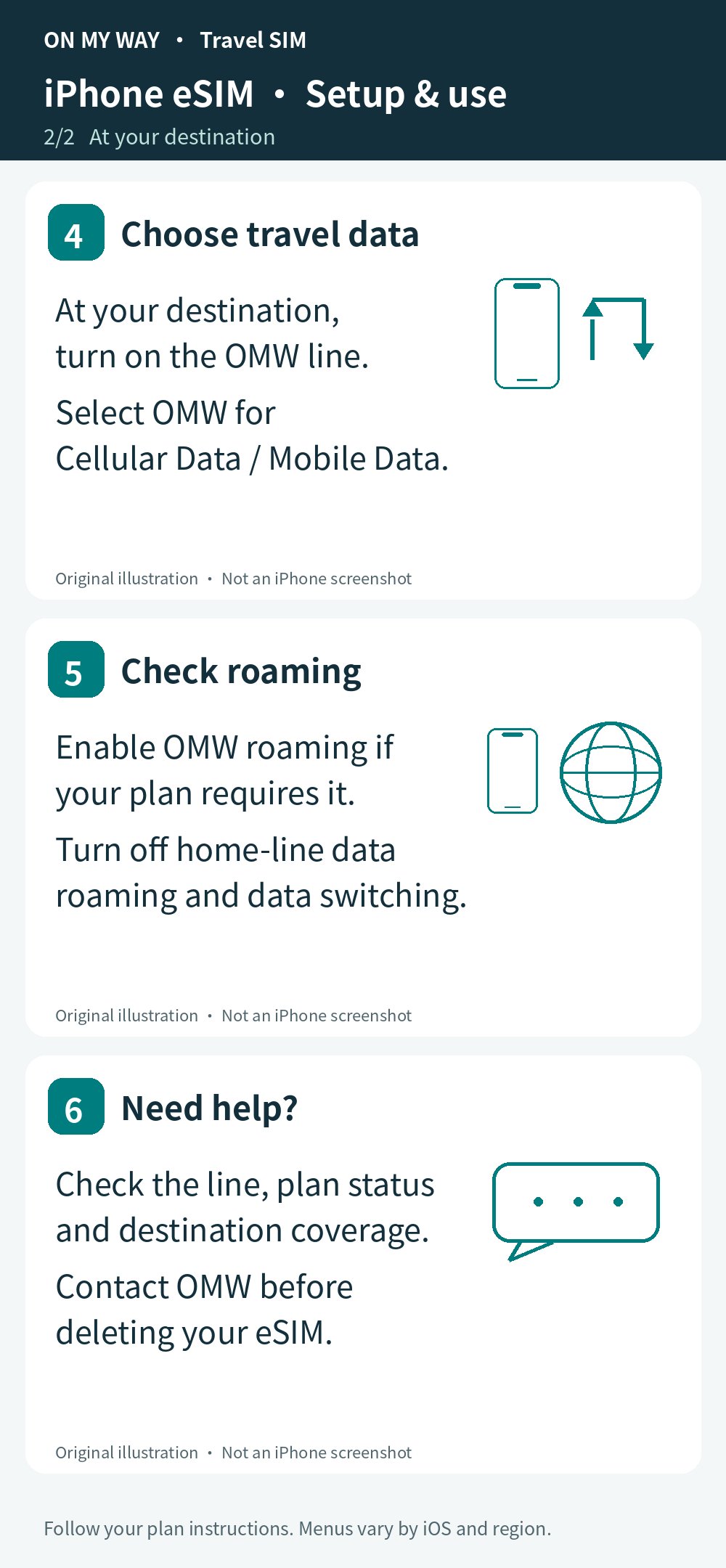
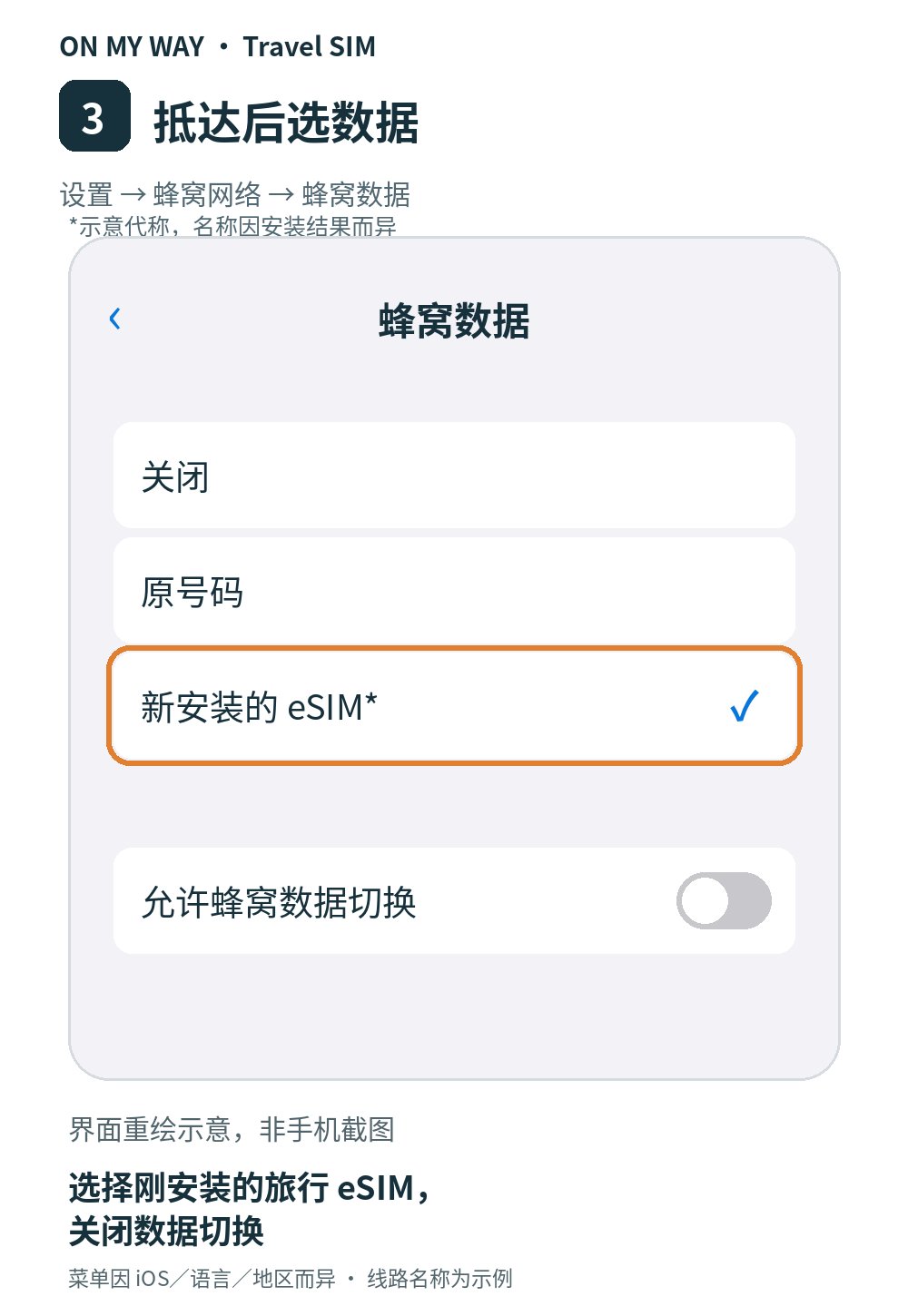
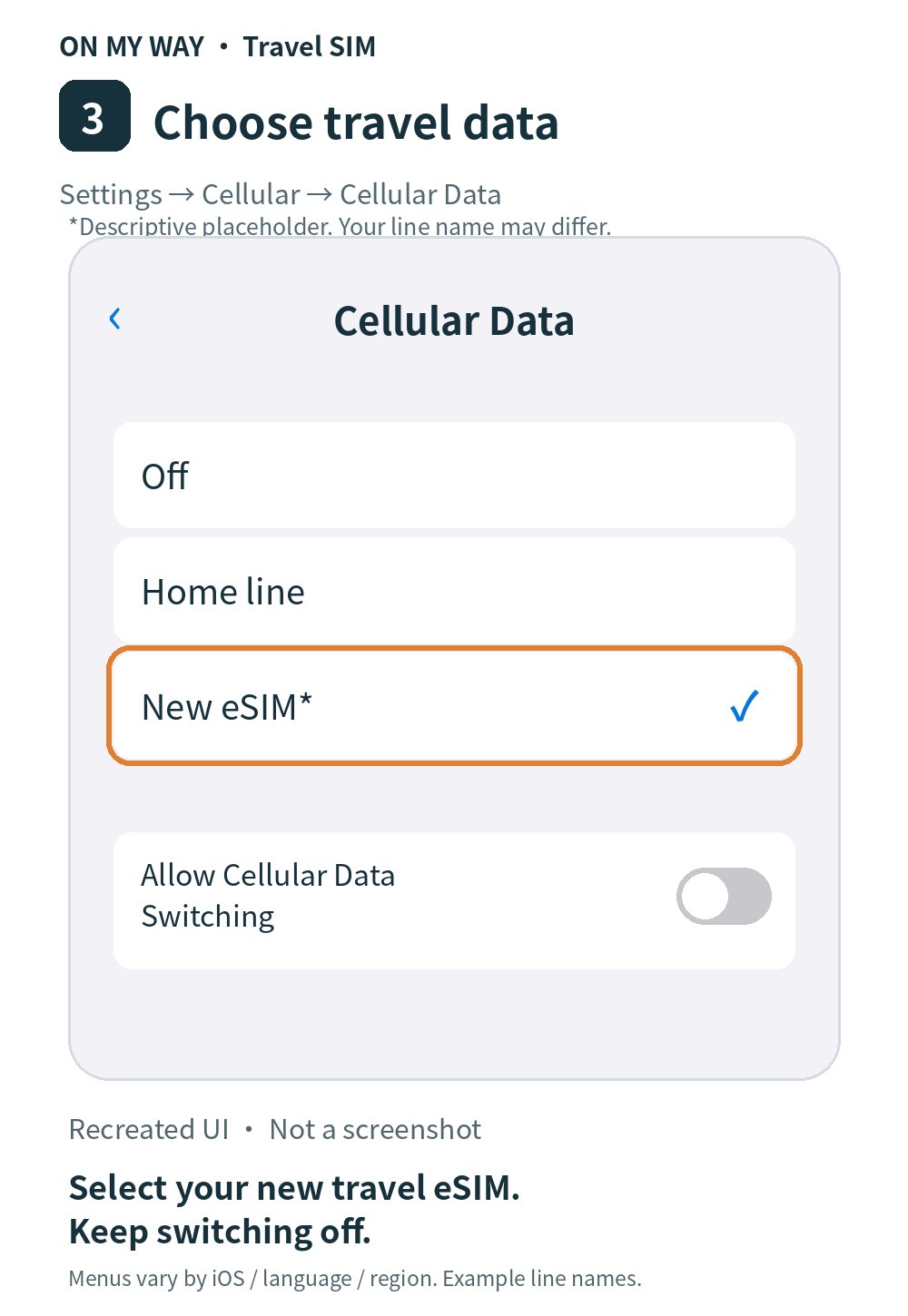
3. Select the newly installed travel eSIM for data (name varies)

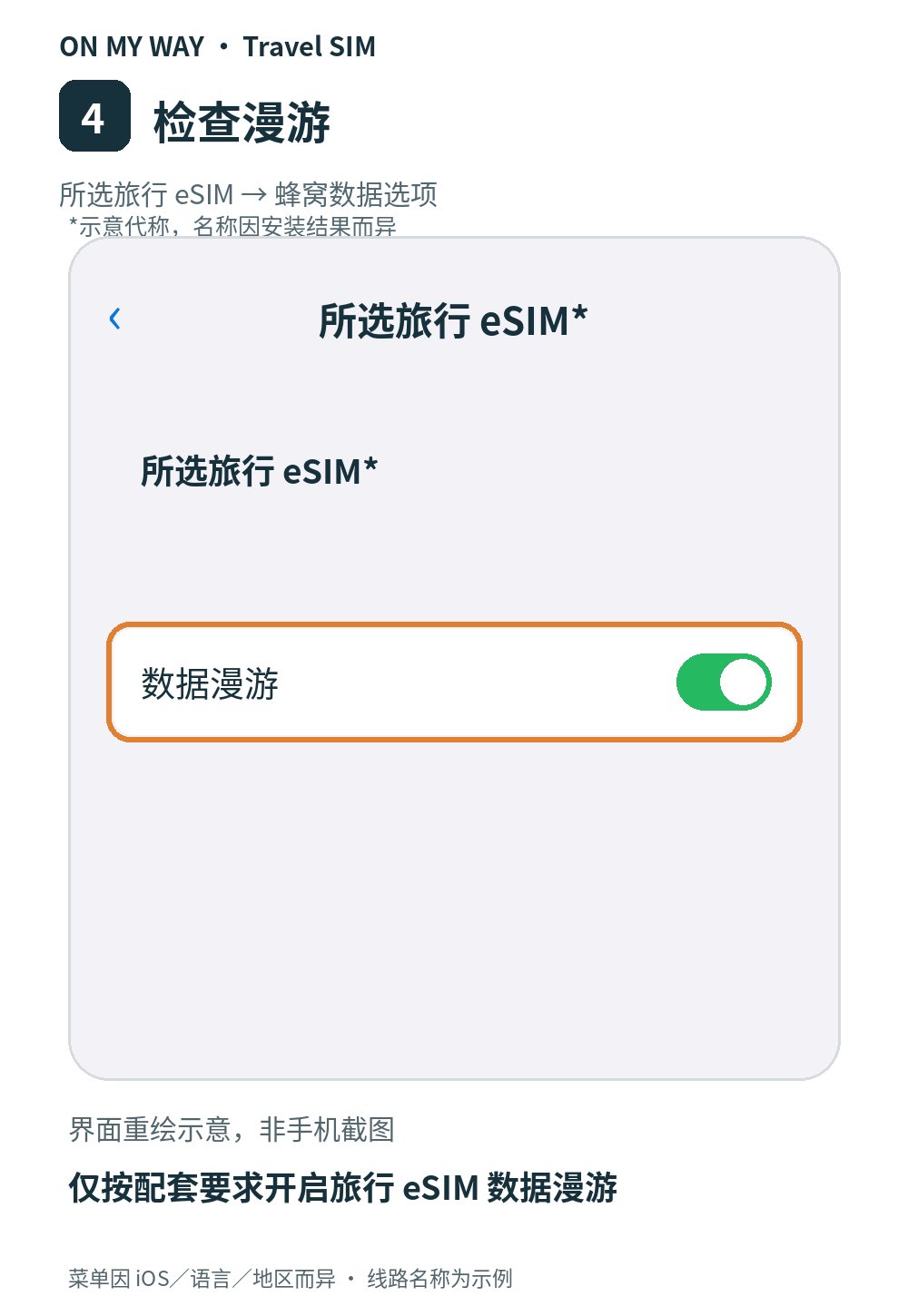
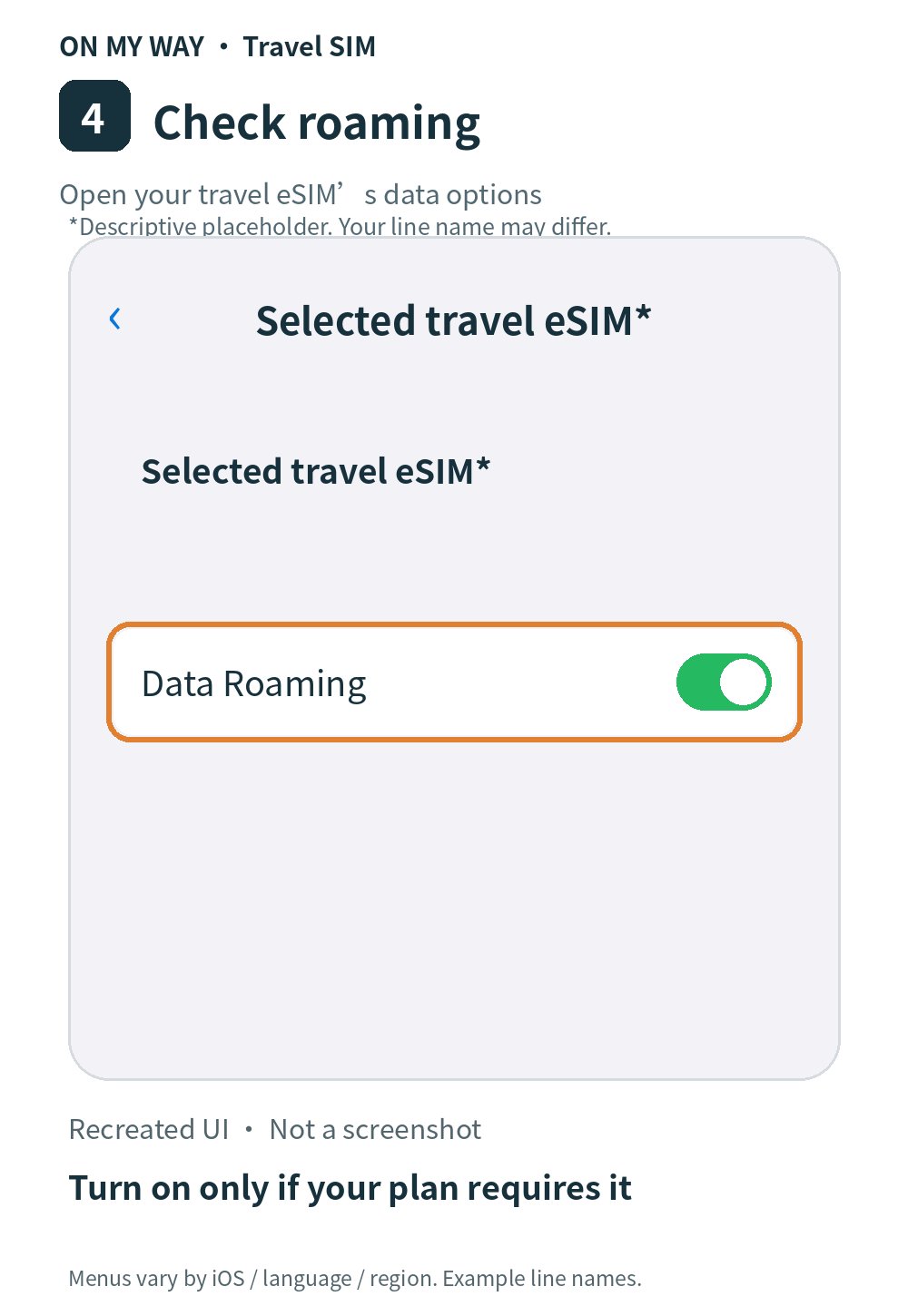
4. Set travel eSIM data roaming as required by your plan

Keep home-line data roaming off; do not delete the eSIM yourself. Activation timing and validity depend on your plan. Contact OMW privately for help; never post your QR publicly.